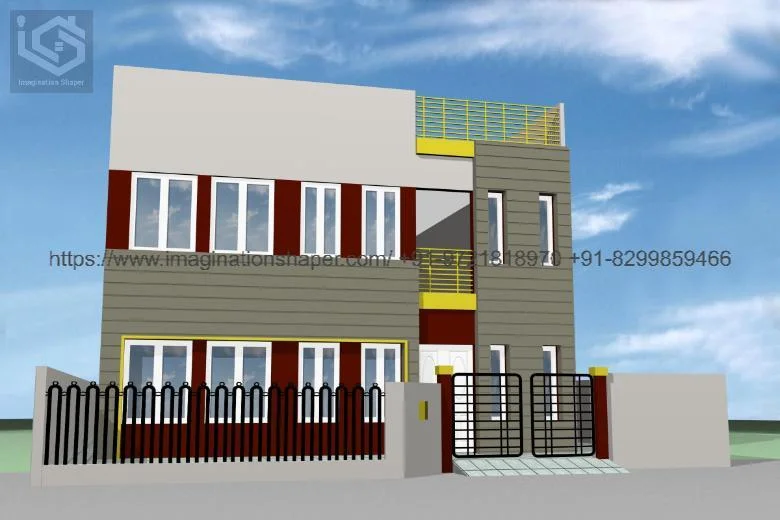
Introduction to 2D AutoCAD Drawing
2D AutoCAD drawing refers to the process of creating two-dimensional technical drawings using computer-aided design software. These drawings represent objects on a flat plane using length and width, without any depth. It is widely used in engineering, architecture, civil design, and manufacturing industries for precise drafting and documentation. One of the most commonly used tools for this purpose is AutoCAD, which provides powerful features for creating accurate and detailed 2D designs.
Importance of 2D Drawing in Design Work
2D drawings play a crucial role in communicating design ideas clearly. They act as a blueprint for construction, manufacturing, and planning processes. Engineers and architects rely on these drawings to ensure accuracy in measurements, layouts, and specifications. Without 2D drafting, it would be difficult to translate conceptual ideas into practical, real-world structures.
Basic Elements Used in 2D AutoCAD
In 2D AutoCAD drawing, several fundamental elements are used to create designs. These include lines, circles, arcs, polylines, rectangles, and text annotations. Each tool serves a specific purpose, such as defining boundaries, creating shapes, or adding notes for clarification. Layers are also an important feature, allowing users to organize different parts of a drawing separately for better control and visibility.
Tools and Commands in AutoCAD
AutoCAD provides a wide range of commands that make drafting faster and more efficient. Common commands include LINE, OFFSET, TRIM, EXTEND, COPY, and MIRROR. These tools help users modify and refine their drawings with precision. Object snaps and grid settings further improve accuracy by helping users align elements correctly.
Advantages of Using 2D AutoCAD Drawing
One of the biggest advantages of 2D AutoCAD drawing is accuracy. It allows users to create highly precise designs that reduce errors in construction or manufacturing. It also saves time compared to manual drafting. Additionally, digital drawings are easy to edit, store, and share, making collaboration between professionals more efficient.
Applications of 2D AutoCAD Drawing
2D AutoCAD drawings are used in various fields. In architecture, they are used for floor plans and building layouts. In mechanical engineering, they help design machine parts and components. Civil engineers use them for road layouts, bridges, and structural plans. Electrical engineers use them to design wiring diagrams and circuit layouts.
Conclusion
2D AutoCAD drawing is an essential skill in modern design and engineering industries. It provides a reliable and efficient way to create accurate technical drawings that can be easily interpreted and implemented. With tools like AutoCAD, professionals can transform ideas into detailed, structured plans that guide real-world construction and manufacturing projects.

 English
 Arabic
 French
 Spanish
 Portuguese
 Deutsch
 Turkish
 Dutch
Dutch
 Russian
 Romaian
 Portuguese (Brazil)
 Greek
Greek
 Indonesia